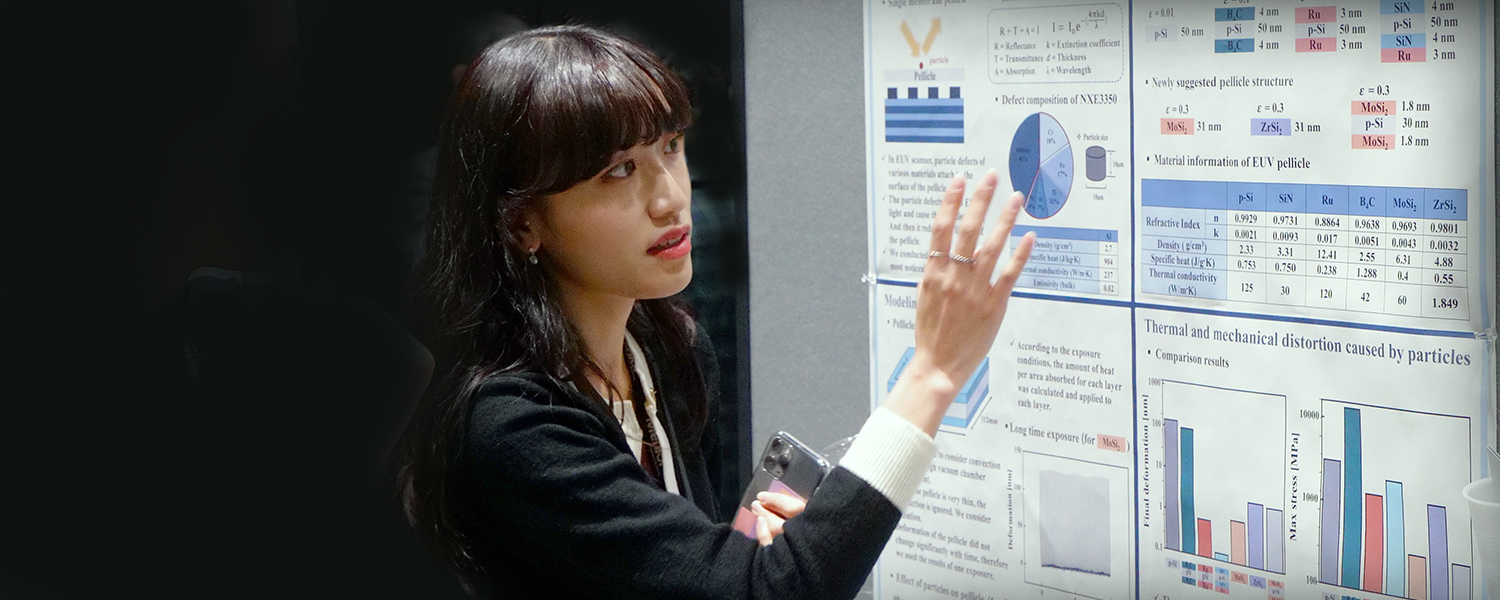
Design and print your poster
The most successful posters are graphically rich presentations of your research that highlight and summarize the main points, with the poster presenter filling in the details in person at the session. The least effective poster format is an enlarged copy of your manuscript. When you design your poster, the goal is to make sure anyone walking by can read the key information from a comfortable viewing distance (about 1–2 meters).
Your poster should contain:
- Paper title and full author list at the top
- A concise, logically ordered narrative covering introduction, objectives, methodology, experimental details, results, conclusions, and references
- Captions that clearly explain every figure, table, or image
Size and formatting
- The maximum poster size is ISO standard A0 size, 84cm wide x 119cm high (33in x 47in)
- Hierarchy and dimensions matter: Larger fonts guide the viewer’s eye and establish reading order, however, if you are using a smaller format, shift the font size ranges down to preserve readability
- Legibility is important: Ensure body text is readable from at least 1 meter away. Avoid fonts smaller than 24 pt for body content; Suggested font size ranges are:
- Poster title: 72- to 100-point type
- The title needs to grab attention from across the room; a bold, high‑contrast font helps it stand out.
- Author names and affiliations: 36- to 60-point type
- Section headings (e.g., Introduction, Methods, Results, etc.): 36- to 48-point type
- These act as visual anchors that break the poster into digestible chunks. Keeping them roughly half the title size maintains hierarchy while still being readable from a short distance.
- Body text (main paragraphs, captions, bullets, etc.): 24- to 32-point type
- At 24pt, most people can comfortably read the text from about 3 ft away.
- maintain consistent line spacing - Aim for 1.5x the point size to avoid crowding
- Figure Labels / Axis Titles: 18– to 24-point type for axis labels; 24 – to 30-point type for figure titles
- Figures are often examined up close, so slightly smaller fonts are acceptable, but they should still be legible without zooming in
- Footnotes / Acknowledgments / References: 14– to 18-point type
- These elements are peripheral; they can be smaller because readers typically glance at them only after they've absorbed the main content.
- Font types: Use a sans-serif font, such as Helvetica, Arial, Caibri, or Open Sans, as these types of fonts render cleanly at large sizes and remain crisp when printed on matte paper
- Consistency: Limit your design to two font families (one for heading; one for body) and limit bold/italic to emphasis only. Excessive styling reduces visual clarity.
- Color contrast: Avoid red-green combinations to accommodate color blindness; Ensure sufficient contrast (dark text on light background) and avoid overly glossy finishes that may cause glare from overhead lights
- QR codes: If linking to supplemental material (datasets, code, video), keep them at least 2.5 cm × 2.5 cm (1 in × 1 in) so scanners can read them from a distance
Test View / Print: View a small section (view the file at 100%) of your poster on your screen and step back a few feet (1-2 meters); if you can read it comfortably, the sizes are likely fine. Print a small‑scale proof (e.g., 50% size) on a regular office printer to verify layout before committing to a large‑format print.
Print a high-resolution copy of your poster: After you have completed your poster, print it at high-resolution and bring it with you to hang at the poster session (printed size must not exceed 84cm x 119cm.
Technical Setup for Print-Ready Files
|
Setting
|
Recommended Value
|
|
Resolution
|
300dpi for raster images (photos, screenshots). Vector graphics (PDF, EPS, SVG) can remain at native resolution.
|
|
Color Mode
|
CMYK if the printer explicitly requests it; otherwise, most modern printers accept RGB and convert internally.
|
|
Bleed
|
Add 3mm (0.125in) bleed on all sides unless the printer states "no bleed."
|
|
Margins / Safe Zone
|
Keep critical text and logos ≥12mm (0.5in) from the edge to avoid trimming.
|
|
File Format
|
High‑quality PDF (PDF/X‑1a or PDF/X‑4) is universally accepted. Embed all fonts.
|
|
Fonts
|
Use legible sans‑serif fonts (e.g., Helvetica, Arial, Calibri) for body text; a larger serif or bold sans‑serif for headings. Minimum body‑text size ≈24pt.
|
Consider transport: Posters can be rolled in a sturdy poster tube for protection during travel.
Prepare and upload a publication‑ready PDF
After completing your poster, export to PDF (≤100MB) and submit it to SPIE for publication in the conference proceedings. Before uploading, verify that:
- The file is saved with a .pdf extension
- The size is under 100MB
- All graphs, images, and tables have clear captions
- Text color and font size are legible on screen
- References are included
Your PDF must be submitted by the deadline (≈3 weeks before the meeting). Once the submission portal opens:
- Log in at https://spie.org/myaccount
- On the dashboard, locate "Submission and Review System," then click your symposium link
- Scroll to your paper and select "Upload poster file"
- Follow the prompts to upload the .pdf file
Important details to note:
- Only the person marked as Contact Author can submit the poster PDF
- The contact author or speaker must be registered for the full meeting before uploading the poster PDF
- By uploading your poster PDF file, you grant SPIE license to publish and index your poster presentation
- The poster may be made available for on-demand preview in the online versions of the conference programme
Set up your poster at the conference
- Check the conference programme for your session location and setup information
- Set up your poster at least one hour before your session start time:
- Paper numbers will be placed on the poster boards in numerical order
- Find your paper number and hang your poster in the designated space
- Push pins, tape, or Velcro will be supplied for hanging
Attend the session and present your poster
- One person may not present more than two posters in a poster session
- Check the conference programme for your poster session start-time information
- Poster presenters are required to stand by the poster during the scheduled duration of the poster session to answer questions from attendees
- Presenters who have not placed their poster(s) on their assigned board before the start of the poster session may be considered a "no-show"
- A presentation must be presented at the scheduled time to qualify for publication in the conference proceedings
- Presenters must remove their printed posters immediately after the poster session
- SPIE assumes no responsibility for the printed posters and will not save posters left hanging after the end of the session
Publication of your poster
- After the event, poster PDFs are published and archived with the manuscript in the conference proceedings on the SPIE Digital Library
- To qualify for publication, poster PDFs must be received by the advertised due date, and the printed poster must be presented at the meeting
- Conference chairs/editors or SPIE staff may require revision before approving publication and reserve the right to reject for publication any poster that does not meet acceptable standards for a scientific publication
- Conference chair/editor and/or SPIE staff decision to accept or reject a poster for publication is final
- SPIE retains rights to distribute and market the published poster; the presenter retains copyright of all presented content.
Manuscript Preparation and Submission
Still need to prepare your manuscript for publication?